How to See All Your AI Chats in One Place
Your AI conversations are scattered across five apps and eight logins. Here is how to get all of them, from every account and platform, into one searchable place.

Somewhere in my chat history is the conversation where I worked out the pricing strategy for my product. I know it exists. I can picture fragments of it, I remember the aha moment. What I cannot tell you is whether it happened in ChatGPT or Claude, or which account I was signed into at the time. I have spent a genuinely embarrassing amount of time hunting for that one conversation, clicking through histories, trying keyword after keyword, slowly starting to doubt I ever had it at all.
I've been using AI every day for 3+ years now, for everything from software development to something closer to a journal. Those conversations are a goldmine. Decisions and the reasoning behind them, half-finished ideas, things I figured out once and never wrote down anywhere else. And they're spread across ChatGPT, Claude, Gemini, a work account, a personal account, and a terminal full of Claude Code sessions. Eight places, give or take, and none of them can see the others.
So this post is a practical guide to fixing that. I'll cover the official export routes first (use them regardless of what else you do), then a DIY option if you like building things, and then the tool I ended up building because neither of those was enough for me. Full disclosure on that last one: it's my own product, so calibrate for bias accordingly. The first two sections are useful either way.
Why your chats end up scattered in the first place
Every platform keeps its own history, and every account keeps its own slice of it. Your work ChatGPT and your personal ChatGPT are strangers. Your personal Claude and the Team workspace your company moved you onto? Also strangers. Built-in search only covers the silo you're standing in, so before you can even look for an old conversation, you have to guess where it happened. Guess wrong, and you get to repeat the search somewhere else.
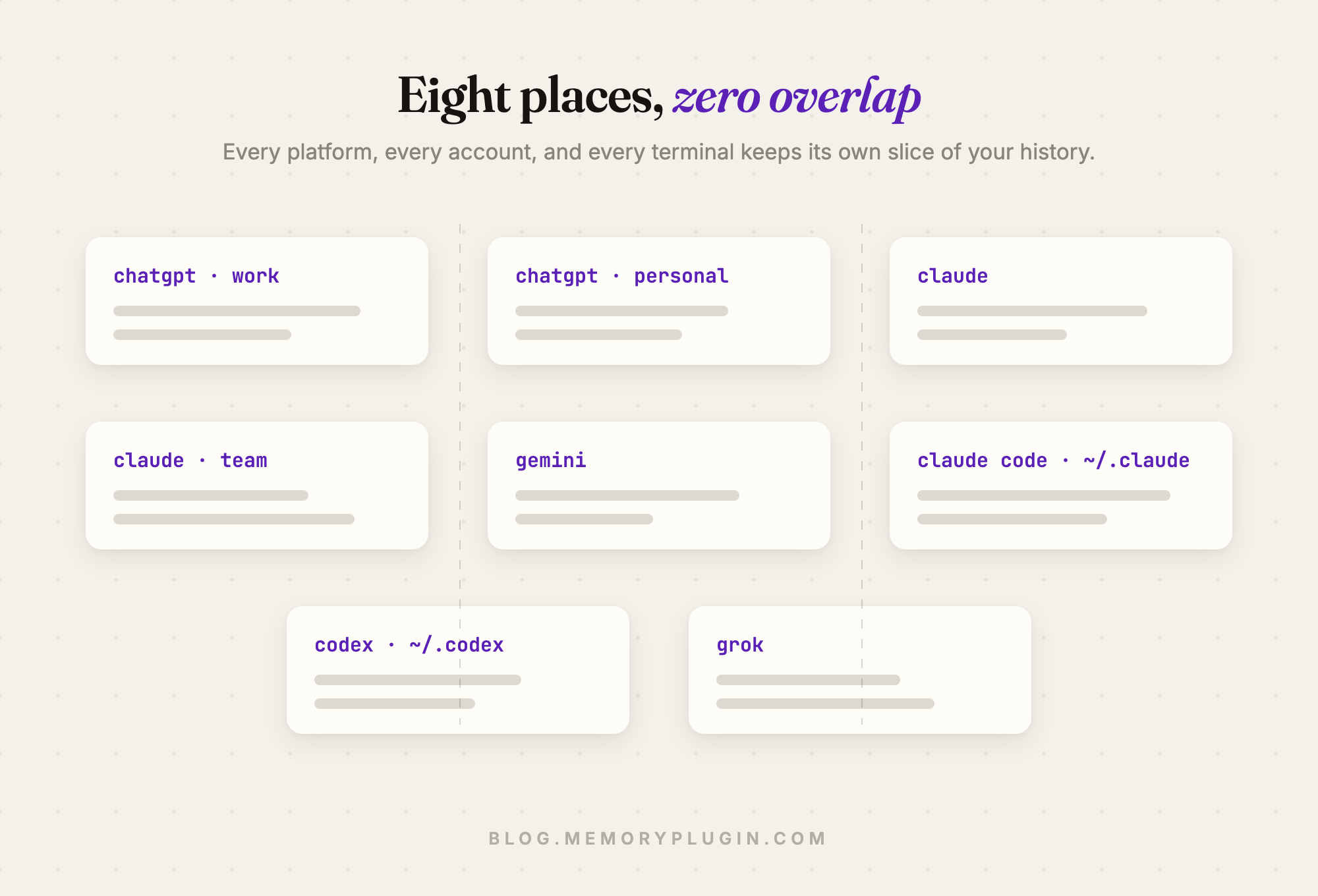
Coding chats have it even worse. Claude Code, Codex, and Cursor sessions are files on your machine. They never show up in any web history at all.
And I wouldn't hold my breath waiting for the platforms to fix this. Each one would love to be the only AI you use. Showing you the conversations you had somewhere else is on nobody's roadmap.
Step one: export your data (do this today, seriously)
Every major platform will hand you your data, and you should take them up on it every so often, because a backup is worth having no matter which route you pick later.
ChatGPT: Settings, then Data controls, then Export data. A link arrives by email with a zip: a chat.html you can open in any browser, plus a conversations.json with everything in machine-readable form. Claude: Settings, then Privacy, then Export data. Same idea, an archive lands in your email. Gemini: Google Takeout, select Gemini. It's Google, so of course it's Takeout.
Do this once a quarter and you will never lose years of conversations to a banned account, a fat-fingered deletion, or a platform just deciding to sunset something. Set a reminder. It's ten minutes.
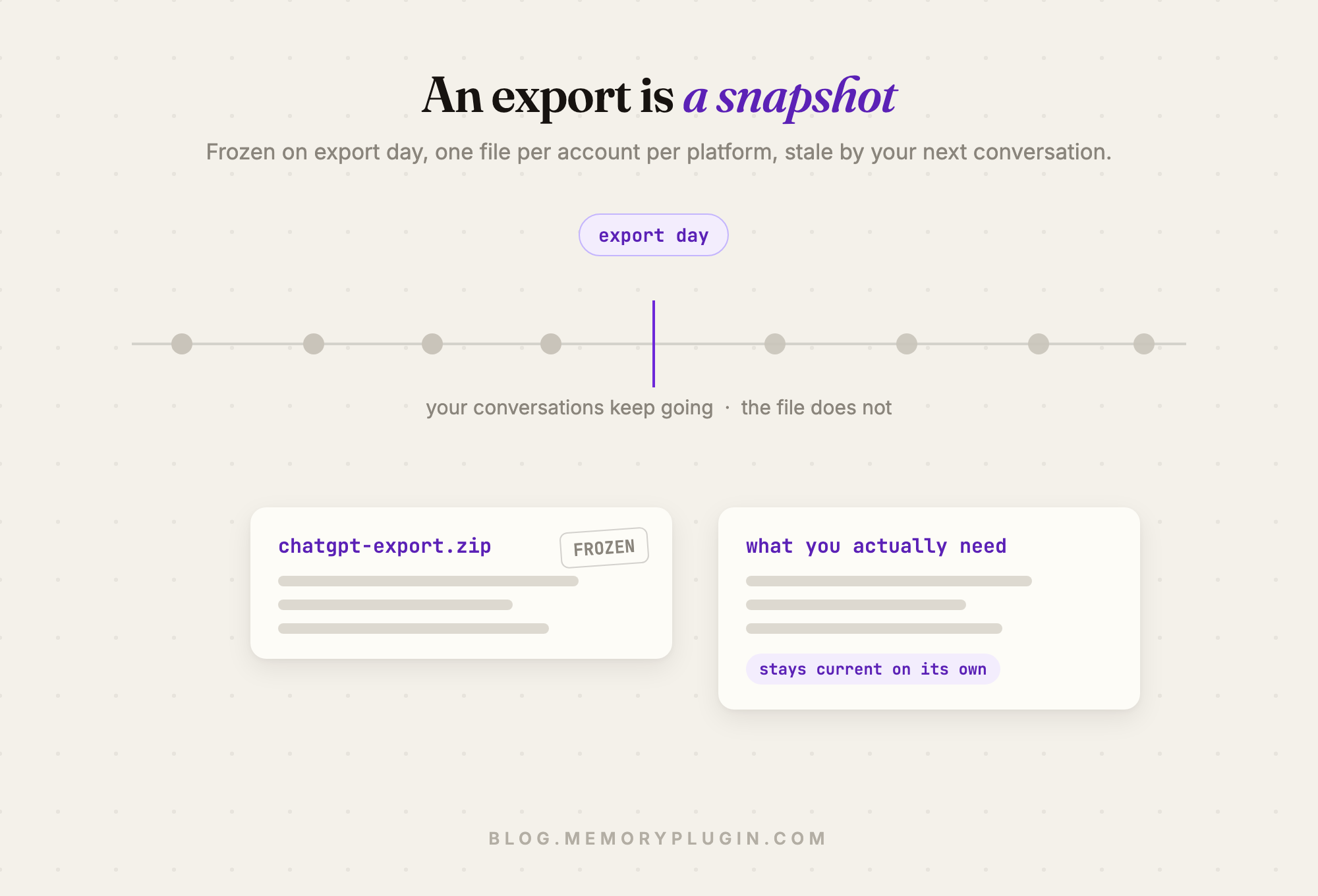
But (you knew there was a but) an export is a snapshot. It's frozen on the day you made it, it's one file per account per platform, and it's stale the moment you have your next conversation. There is no search across them. I keep these backups religiously, and I think I've opened one to actually find something twice, ever.
Step two, the DIY route: build your own archive
If you're technical, those export files are genuinely workable. conversations.json is messy (ChatGPT's format is a tree of message nodes, not a flat list, which surprises everyone the first time), but it parses fine, and there are open source scripts floating around for every platform's format. Convert everything to markdown, dump it into Obsidian or a plain folder, and use whatever search you already live in. grep gets you surprisingly far.
The catch isn't building it. Building it is a fun weekend. The catch is that the maintenance is on you, forever: exports go stale, so you re-export and re-convert every platform, every account, by hand, on a schedule, or your "archive" quietly becomes a museum. Formats also change without notice, and your parser breaks silently. Whether that's a hobby or a chore depends entirely on you, and I say that with love, as someone who enjoys this kind of thing.
Step three: what I actually use
This is the part where I talk about my own product, so, again, bias noted. MemoryPlugin started as a memory layer for AI tools, and the chat history side of it exists because users kept asking for one place their conversations could live. Turns out I wanted the same thing.
The browser extension imports your conversations from ChatGPT, Claude, Gemini, Grok, DeepSeek, and TypingMind in a few clicks, and after that first import, new conversations keep syncing on their own as you chat. That last part is the part I care about most: an archive you have to maintain is an archive you'll eventually abandon.
Two things about it that I think are interesting no matter whose tool you use:
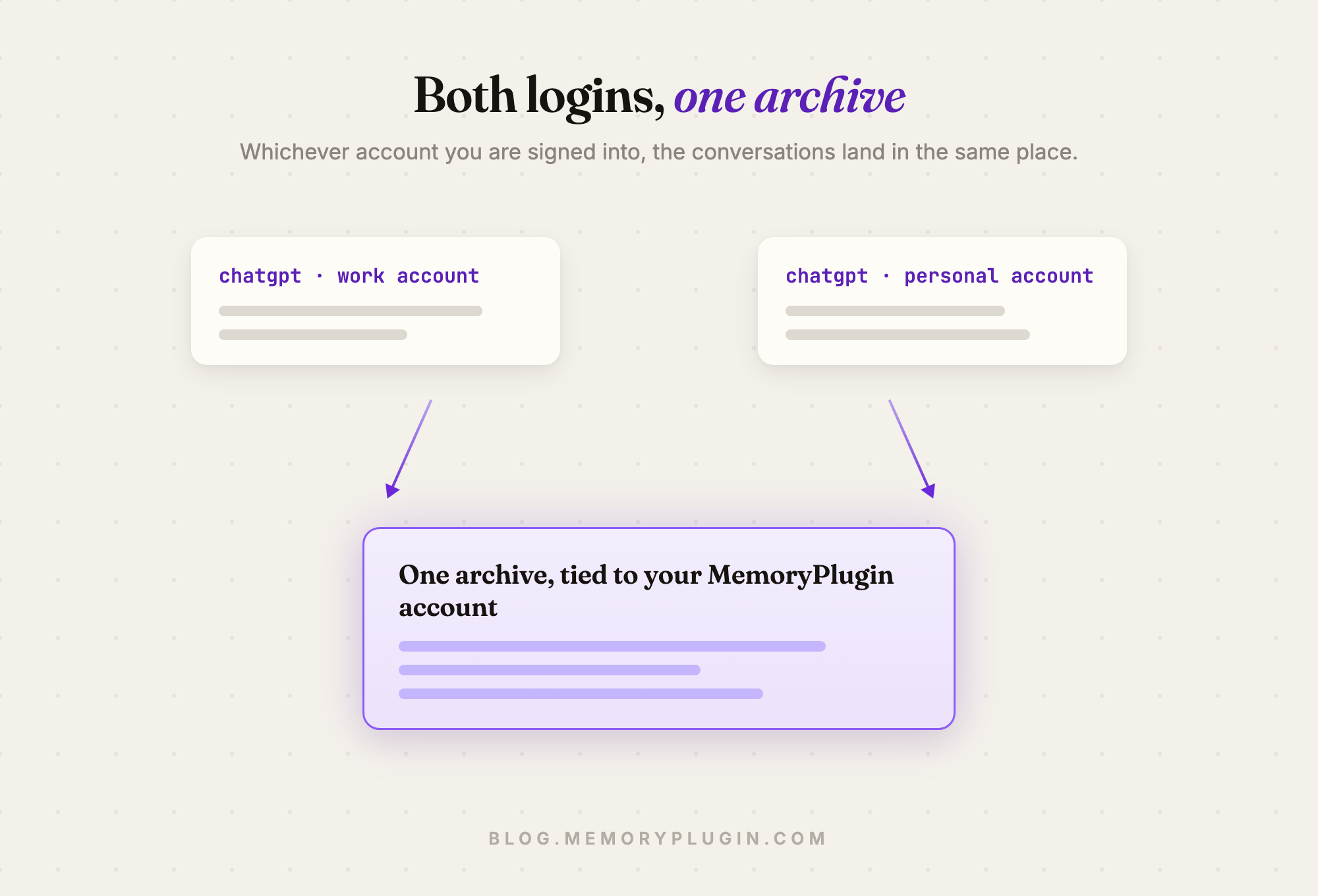
The accounts thing. The extension saves everything to my MemoryPlugin account, regardless of which platform account I happen to be signed into. So a work account and a personal account both sync into the same archive, and which account a conversation came from just stops mattering. Ayush wrote about running two Claude accounts this way after declining Anthropic's one-way Team migration, and whatever tool you evaluate, this is the property to check for: the archive should belong to you, not to whichever login you were using that day.
The terminal thing. No browser extension can reach Claude Code, Codex, or Cursor sessions, because those are files on your machine. That takes a desktop app, there's no way around it, which is why we built MemoryPlugin Sync for the Mac. It only uploads the conversation itself (what you said, what the assistant said); tool output, file contents, and terminal commands never leave your machine.
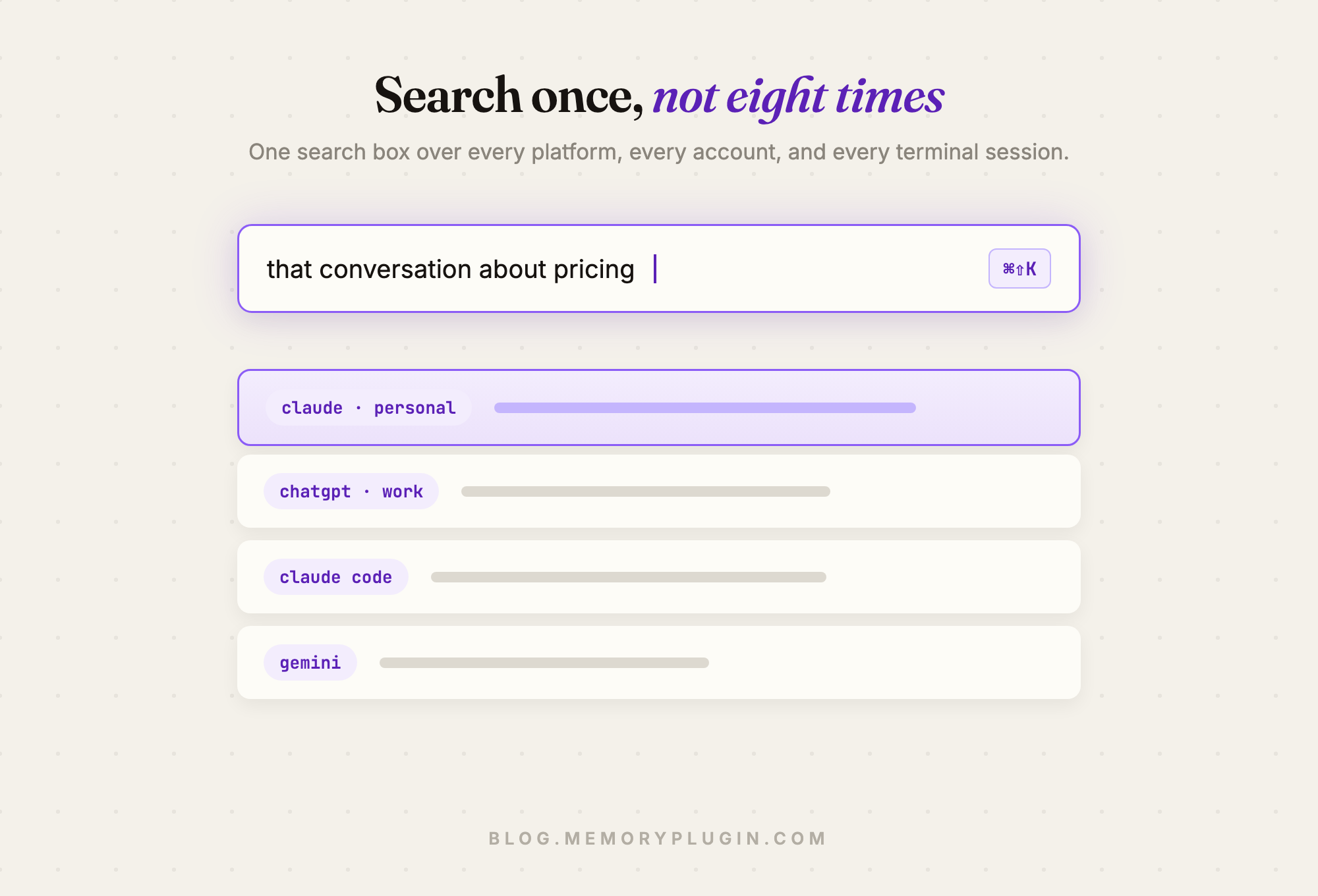
Day to day, what I actually do is press Cmd+Shift+K from inside whatever chat I'm in and search everything at once, by keyword or by meaning. "That conversation about pricing" now finds the conversation about pricing, even though it lived in an account I'd forgotten I was using. And through the MCP server, the AI itself can dig through my history: I can sit in Gemini and ask what I decided about my database schema last spring, and it pulls up the reasoning from a Claude Code session that never touched a browser.
For what it's worth on plans: the Core plan keeps your most recent 500 conversations, Pro is uncapped. If you're importing years of history, you want the latter.
Key takeaways
- Your AI chats are worth keeping. Three years of decisions, reasoning, and half-finished ideas are in there. Treat them like data you'd mind losing, because you would.
- Export quarterly no matter what. Ten minutes, calendar reminder, done. A backup you never need is a much better problem than the reverse.
- A snapshot is not an archive. The export files are for disaster recovery, not for finding things. Anything you actually want to search needs to stay current on its own.
- If you use multiple accounts, your archive should belong to you, not to a login. That is what makes the work/personal split stop hurting, whatever tool you choose.
- Terminal sessions need a desktop app. Claude Code and Codex transcripts are local files; no extension or export button reaches them.
Frequently asked questions
Can I see chats from two ChatGPT accounts in one place?
Yes. With MemoryPlugin the archive is tied to your MemoryPlugin account, not to any platform login. Import from each account you use and everything lands together, searchable as one history.
Does the archive stay up to date on its own?
It does. After the first import, the extension keeps syncing new conversations as you chat. Terminal sessions sync through the MemoryPlugin Sync desktop app. You never re-export anything.
Which platforms can I import from?
ChatGPT, Claude, Gemini, Grok, DeepSeek, and TypingMind through the browser extension, plus Claude Code, Codex, and Cursor through the desktop app.
Is my chat history private?
Your archive belongs to your account alone. It's never shared, and you can export or delete it whenever you want. MemoryPlugin's business is subscriptions, not your data.
However you do it, do something. The exports alone put you ahead of most people, the DIY route is a legitimately fun project if that's your thing, and if you'd rather it just quietly work, MemoryPlugin has a free 7-day trial you can judge for yourself. Your conversations from three years ago are either a goldmine or a landfill, and the only difference is whether you can find anything in them.