

The Best ChatGPT Extensions in 2026: Top Picks
There are dozens of ChatGPT extensions available in 2026. We compared 7 popular options and looked at what each one does best.


ChatGPT works better with the right extension. There are dozens of them now. Built for different tools and different jobs. Some have been around for years. Others are newer additions that have gained traction quickly.
Not all of them are worth your time. Some add useful functionality. Some duplicate features ChatGPT already offers. A few stand out because they solve real problems and do it well.
Here are 7 useful ones.
At a Glance: The Top 7 ChatGPT Extensions
Best 7 ChatGPT Extensions Compared (Detailed)
1. MemoryPlugin
Rating: 4.5/5 | Pricing: Core $79/year - Lifetime $200, Pro $149/year - Lifetime $400 | Free Trial: 14-day refund | Platforms: Chrome, Safari, MCP
MemoryPlugin works alongside ChatGPT by adding a separate, persistent memory layer that operates outside ChatGPT's native context window and Memory system. Rather than replacing ChatGPT's automatic inference, MemoryPlugin lets you store information explicitly and retrieve it intentionally.
The same memory layer works across ChatGPT, Claude, Gemini, Grok, Perplexity, and 14 other platforms. The native Memory features in each tool do not talk to each other. They are locked inside their platforms.
MemoryPlugin extends your capabilities by introducing a memory layer that lives outside any single AI. Memory is stored outside the context window, so it is not lost when conversations end or context changes. Stored information is user-controlled, meaning it can be reviewed, edited, organized, or removed directly. Memory retrieval is intentional and selective, rather than relying entirely on any model's internal memory selection process.
Key Features:
- Buckets organize your memories by project, client, or life area. Each chat pulls only from the relevant bucket. This prevents unrelated information from bleeding into conversations and gives you control over which memory applies to which task.
- Chat History imports your full chat history and makes it searchable in natural language. Not keyword search like native search, where you have to remember the exact phrase.
- Files store documents you can query across conversations without re-uploading.
- Smart Memory uses automatic categorization to cut token usage by up to 90%. Your prompts stay lean even as your memory grows.
- Cross-platform means the same memory layer works in ChatGPT, Claude, Gemini, Grok, Perplexity, and more. You do not rebuild context for each tool.
Pros:
- The only extension that carries context across 18+ AI platforms
- User-controlled memory, editable and deletable
- No size limit on memory storage
- Natural language search across chat history
- 21-day refund
Cons:
- Requires subscription (no free tier, 21-day trial only)
What Users Say:
"This plugin has been life-changing for me. The memory feature gives my AI a kind of newfound power — it no longer feels like I’m starting from scratch every time. Instead, it remembers context, past conversations, and the details that matter most to me.
It’s like having a personal assistant who actually knows me and grows smarter the more I use it. Productivity, creativity, and even day-to-day decision-making have become so much smoother.
Honestly, I can’t imagine going back to the old way of working without memory. If you use AI regularly, this plugin is a total game-changer." ~ Chrome Web Store review
2. ChatExport AI
Rating: 3.2/5 (9 ratings — small sample) | Pricing: Free (5 exports/day) / Pro $5.99/mo | Platforms: Chrome & Chromium (Edge, Brave, Arc)
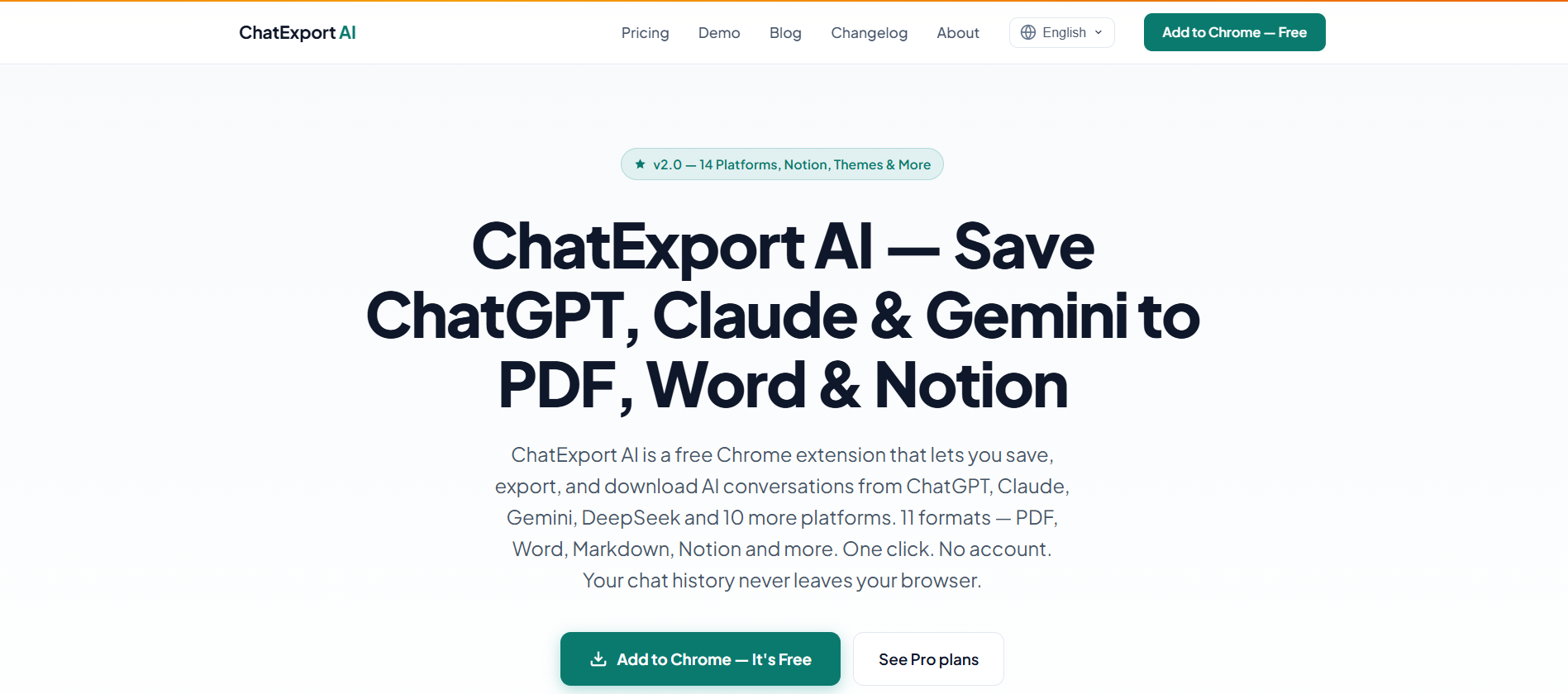
ChatExport AI is built for one job: getting conversations out cleanly. It exports to 11 formats, including PDF, Word, Markdown, Notion, JSON, CSV, HTML, screenshot, ShareCard, ZIP, and plain text, with LaTeX rendered via KaTeX and code syntax preserved.
It auto-detects 15+ platforms, including ChatGPT, Claude, Gemini, DeepSeek, Grok, and Perplexity, so the same tool covers your other AI chats. Processing is local, and the only outbound call is an optional Pro license check. Pro at $5.99/mo adds unlimited exports and full project export.
Key Features:
- Multi-format export covers 11 formats including PDF, Word, Markdown, Notion, JSON, CSV, and HTML.
- Cross-platform support auto-detects 15+ tools including ChatGPT, Claude, Gemini, DeepSeek, and Grok.
- Local processing keeps conversations in your browser with no account required.
- Project export on Pro saves entire ChatGPT and Claude projects as a clean ZIP archive.
Pros:
- Most export formats in the category
- Works across 15+ AI platforms, not just ChatGPT
- On-device processing, strong privacy
- Affordable Pro tier
Cons:
- Does not carry context into new chats
- Project export is locked behind Pro
3. Superpower ChatGPT
Rating: 4.5/5 | Pricing: Free / Pro $10/mo| Free Trial: Free tier available | Platforms: Chrome, Firefox, Edge, Brave, Opera
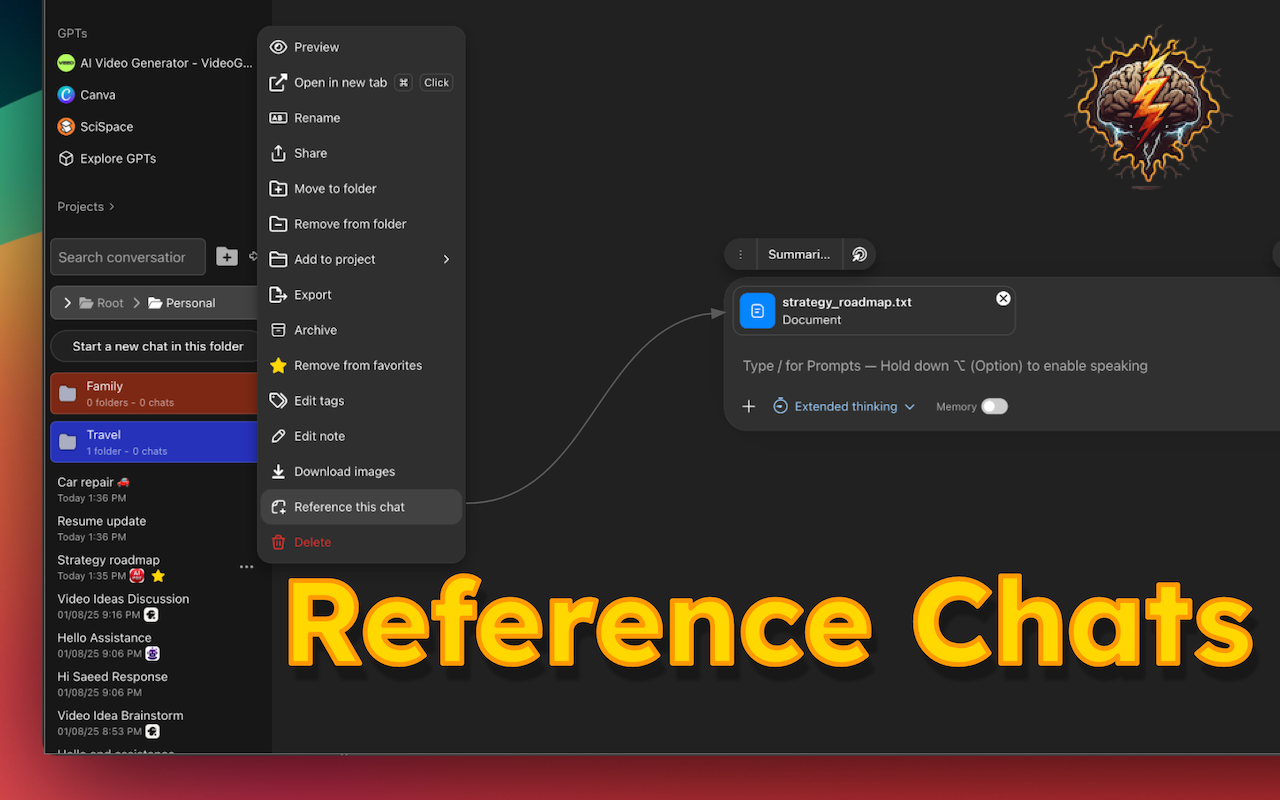
Superpower ChatGPT is a feature-rich toolkit that adds folders, word counts, language switching, colors, and keyboard shortcuts to ChatGPT. It is the most customizable extension in the category.
If you want deep control over the ChatGPT interface, this is the tool. You can change fonts, colors, spacing, and layouts. You get chat folders and prompt history from chats. Local history sync and backup keep your data on your device.
We used this for a month. The customization is impressive. The problem is that ChatGPT now offers many of these features natively. Custom Instructions, Projects, and built-in search cover what Superpower used to provide exclusively. The extension can also conflict with other ChatGPT extensions. Users report performance impact and occasional bugs after ChatGPT interface updates.
Key Features:
- Interface customization goes deeper than any competitor. Fonts, colors, layouts, sidebar modifications.
- Chat folders and pins help organize conversations.
- Prompt history saves commands you have used before.
- Local sync keeps the backup on your device, not in the cloud.
Pros:
- Deepest customization available
- Works across multiple browsers (Chrome, Firefox, Edge)
- The free tier is generous
- Local data storage
Cons:
- The interface is overwhelming
- Some features are now duplicated by ChatGPT natively
- Conflicts with other extensions reported
- Does not carry project context forward into new chats
4. AIPRM
Rating: 3.9/5 | Pricing: Free / Plus $20 - month / Pro $39 - month / Elite $79 - month / Titan $999 - month | Free Trial: Limited community prompts on free tier | Platforms: Chrome, Edge
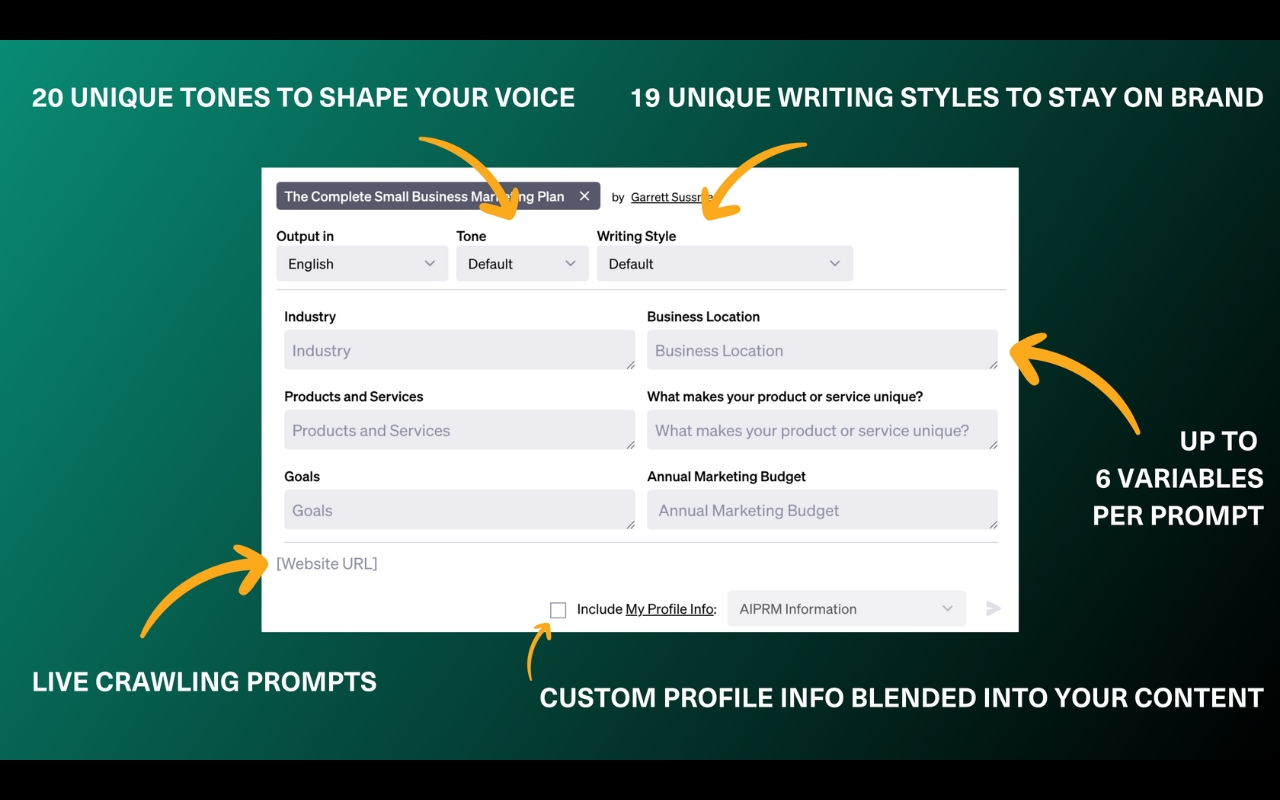
AIPRM is the largest community-driven prompt library for ChatGPT. Thousands of curated templates for SEO, marketing, copywriting, coding, and more. If you write the same types of prompts repeatedly, AIPRM saves you from reinventing them.
The community voting surfaces the best templates. Team folders let you share libraries with colleagues. The integration is deep. You click a template, and it fills directly into the ChatGPT input field.
We used AIPRM for SEO work. The templates are genuinely useful. The problem is the interface clutter. The prompt toolbar takes up considerable screen space. It does not offer conversation organization. No folders, no search, no pins. And it is ChatGPT-only. If you use Claude or Gemini, the templates do not travel.
Key Features:
- The community library has thousands of tested prompts organized by category.
- One-click insertion fills prompts directly into ChatGPT.
- Team folders let you share libraries with colleagues.
Pros:
- Largest prompt library available
- Community curation surfaces quality templates
- Deep ChatGPT integration
- Team sharing on higher tiers
Cons:
- The interface feels cluttered
- The quality of community prompts varies
- Premium features require a subscription.
5. Sider AI
Rating: 4.9/5 | Pricing: Free / Various paid plans | Free Trial: Few credits/day on free tier | Platforms: Chrome, Edge
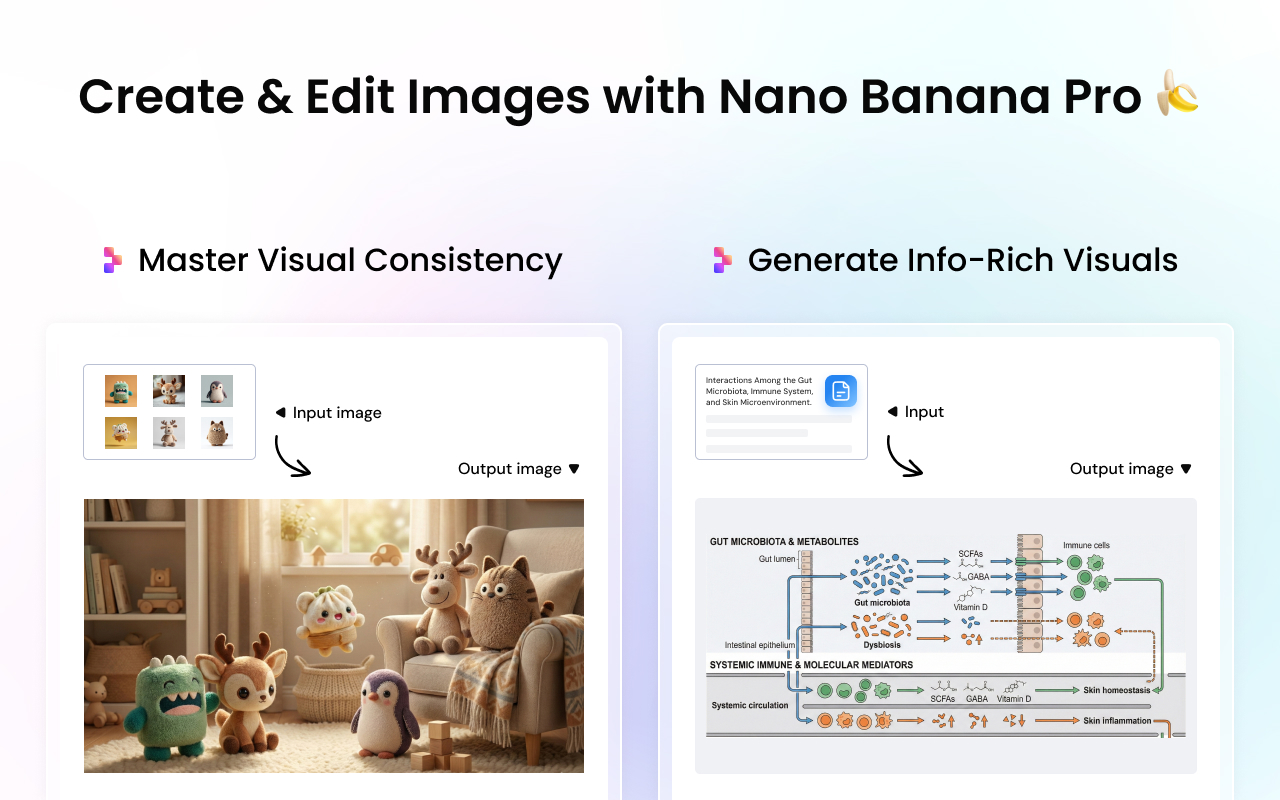
Sider AI is a sidebar that gives you access to ChatGPT, Claude, Gemini, DeepSeek, and Grok from any webpage. It is not a ChatGPT enhancer. It is a separate AI interface that sits next to your browser.
Five million users have installed it. You can switch models mid-conversation. Query multiple models simultaneously and compare answers side by side. Page summarization, document analysis, image generation, and a Deep Research Agent are all built in.
Sider has the most features but also the most complexity. The free tier gives you 30 credits per day. The Pro tier unlocks premium models. If you want a unified AI sidebar, Sider is the most capable. If you want better organization within ChatGPT itself, this is the wrong tool.
Key Features:
- Multi-model access covers ChatGPT, Claude, Gemini, DeepSeek, Grok, and more.
- Side-by-side comparison lets you query multiple models simultaneously.
- Page summarization works on any website you visit.
- Deep Research Agent automates multi-step research tasks.
Pros:
- The most feature-rich sidebar available
- 5 million users, strong community
- Works across all major AI models
- Available on desktop and mobile
Cons:
- Not primarily a ChatGPT extension
- The feature list can overwhelm
- The free tier is limited
- Requires broad browser permissions
6. Merlin AI
Rating: 4.8/5 | Pricing: Free / Pro $19/mo | Free Trial: 102 queries per day on free tier | Platforms: Chrome, Firefox, Edge (plus mobile)
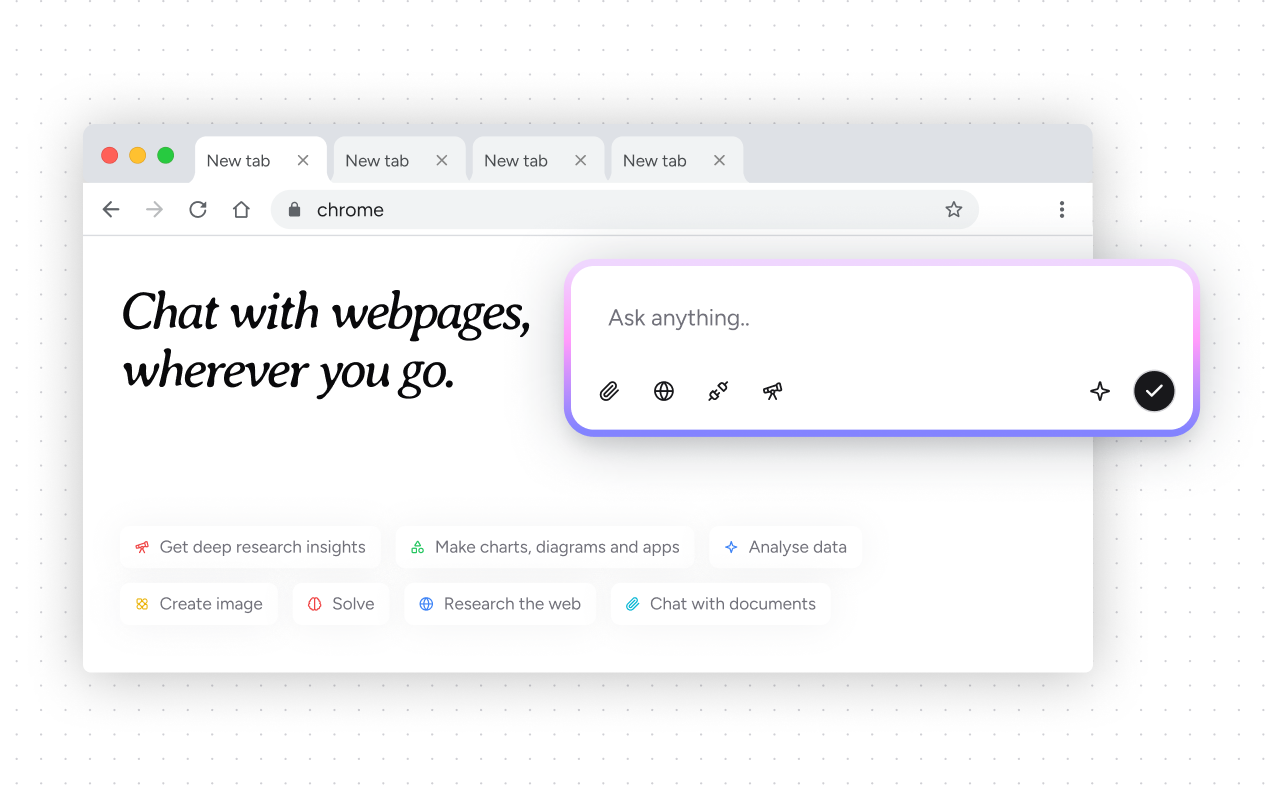
Merlin AI is a 26-in-1 Chrome extension that gives you access to GPT-4, Claude, Llama, Gemini, and 22 other AI models from one sidebar. It is similar to Sider but with a different approach. Instead of enhancing ChatGPT, it replaces the need to open ChatGPT at all.
You press Cmd+M or Ctrl+M on any webpage, and the sidebar appears. Highlight text, press the shortcut, and get summaries, explanations, or rewrites without switching tabs. The free tier offers 102 queries per day, which is more generous than most competitors.
The YouTube summarization is a standout feature. Summaries are generated under 30 seconds regardless of video length. The "unlimited" Pro label is misleading, though. Pro users are capped at approximately $100 per month in equivalent API usage. Heavy GPT-4 users hit this quickly.
Key Features:
- Multi-model access covers 26 AI models, including GPT-4o, Claude 3.5 Sonnet, and Gemini Pro.
- YouTube summarization is best-in-class with timestamps and key takeaways.
- Universal sidebar works on any website via keyboard shortcut.
- The generous free tier gives 102 queries per day.
Pros:
- Best YouTube summarization available
- Generous free tier
- Quick AI access without opening ChatGPT
- 26 models in one sidebar
Cons:
- No organization features. No folders, no search, no chat history.
- "Unlimited" Pro plan has a usage cap
- Chrome only. No Safari, Firefox, or Edge.
- Email and social templates require significant editing
7. DeGPT
Rating: Not available | Pricing: Free / Premium | Free Trial: Free tier available | Platforms: Chrome
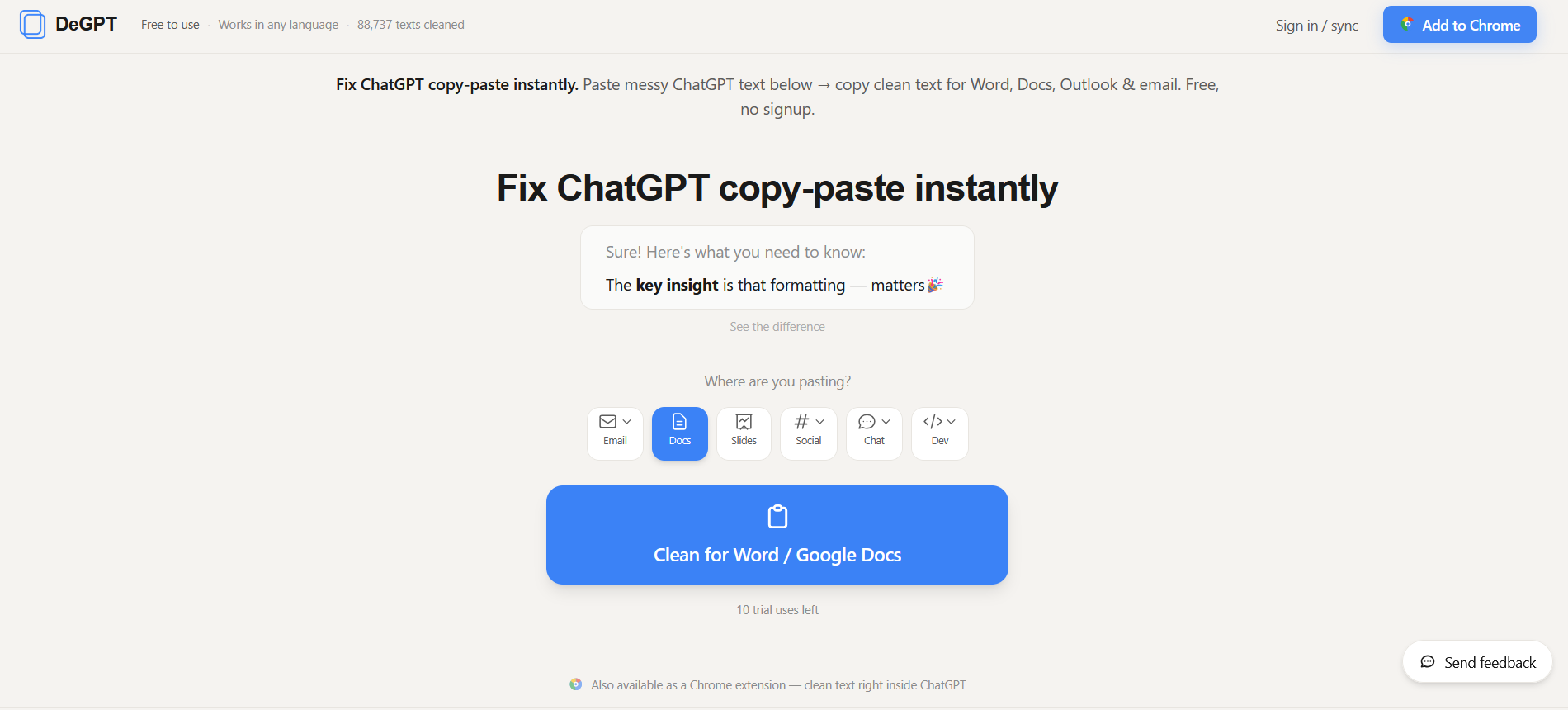
DeGPT solves a specific but common problem: ChatGPT output looks fine in the chat window, but when you paste it into Word, Outlook, Notion, or Google Docs, the formatting breaks. Bullets collapse. Headings lose hierarchy. Spacing goes wrong.
DeGPT cleans text so it pastes correctly. One click removes markdown, fixes bullets, and adjusts spacing for your destination. It also strips "AI tells" phrases that scream "this was written by ChatGPT." Optional PII removal catches emails and phone numbers you might have pasted by accident.
We used this for a month of document work. The destination profiles are the key feature. You pick Word, email, or plain text. DeGPT formats accordingly. The PII removal saved us once when we pasted a client email into a prompt and forgot to scrub it.
Key Features:
- One-click cleaning fixes formatting directly in ChatGPT before you copy.
- Destination profiles format for Word, email, or plain text specifically.
- AI tells removal strips phrases that flag content as AI-generated.
- PII removal catches emails and phone numbers accidentally pasted into prompts.
Pros:
- Solves a real, specific problem well
- Destination profiles are genuinely useful
- PII removal is a nice safety net
- The free tier covers basic needs
Cons:
- Focused specifically on text cleaning
- Does not add prompts, organization, or memory features
- Only useful if you regularly copy ChatGPT output into other apps
- Newer extension with a smaller user base
A Memory Layer That Carries Your Context Across Chats and Platforms
If you have read this far, you probably know which extension matches your problem. Most of the tools above do one thing well. Export. Organize. Customize. Sidebar access. They solve the problem they are designed for.
MemoryPlugin solves a different problem. It is not an exporter. It is not a sidebar. It is a memory layer that carries your context across chats and across platforms.
By separating memory from context and giving users direct control, MemoryPlugin turns short-term interactions into continuous workflows.
If you find yourself repeatedly explaining the same context, managing multiple projects in parallel, or running into memory limits, MemoryPlugin may be a useful addition.