
How To Transfer ChatGPT Memory To Gemini: Step by Step
Switching from ChatGPT to Gemini means losing context. This step-by-step guide shows how to keep your memory working across platforms.

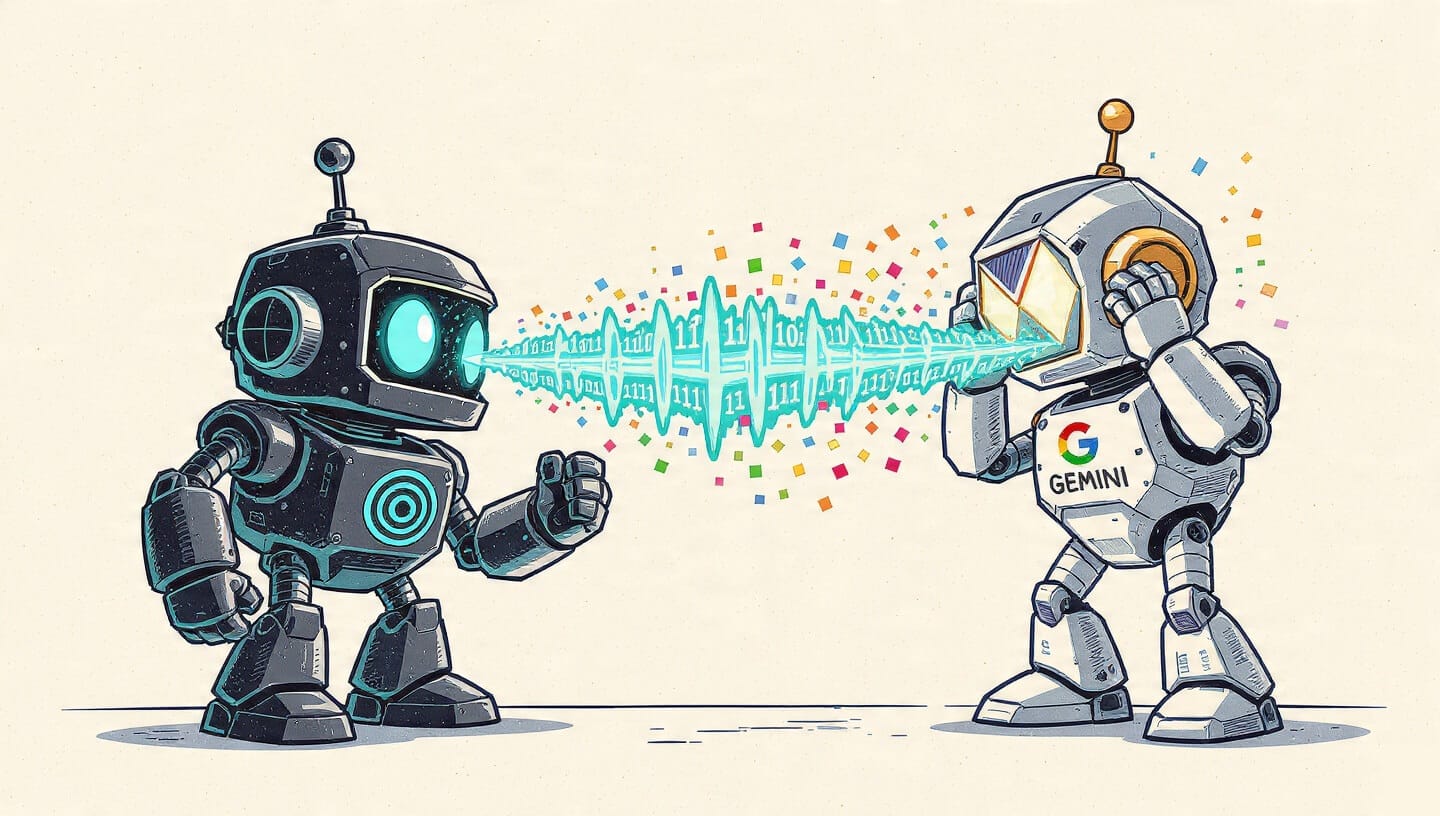
Moving from ChatGPT to Gemini is not as easy as switching tabs. It is hard because 2-3 years of chats, files, context, and implicit memory are not designed to be portable.
That friction is starting to matter more as people reassess how much they rely on ChatGPT long term. You have probably seen the signs. Ads rolling into lower tiers. GPT-4o quietly retired despite being the model many creators relied on. An OpenAI researcher is walking out and publicly warning that the company is repeating old Big Tech mistakes.
At the same time, Gemini has been pulling ahead in the areas where people are actually hitting limits. It fits more naturally into existing workflows and handles large, complex inputs without constant friction.
So the question is how you move memory out of ChatGPT without starting from zero.
This guide walks through exactly that.
Why Gemini Is Where People Are Landing
For a lot of people, the move to Gemini is not about liking it more but running into fewer walls.
It fits into how you already work.Gemini lives inside Docs, Drive, Gmail, and YouTube. You are not copying things around just to give the model context. You can summarize a document where it already lives, break down an email thread, or drop in a YouTube link and get a structured summary with timestamps and key takeaways.
It handles big inputs without falling apart.Large PDFs, research papers, and specs do not immediately derail the conversation. You can keep going without constantly re-explaining what you already shared.
It can actually see what you are working with.Images and video are normal inputs, not edge cases. Screenshots, diagrams, and timelines make sense to the model, which makes things like indexing footage or pulling structure from visuals much easier.
Media work feels less hacked together.Image models like Nano Banana and video models like Veo are part of the same system. You are not bouncing between tools or plugins just to get media work done.
What “Transferring Memory” Actually Means
Before getting into methods, it helps to be clear about what can and cannot be moved.
There is no native way to transfer ChatGPT’s memory into Gemini. The two systems store context differently, and neither platform is designed to make your history portable.
What people mean by “memory.”
When people talk about memory, they are usually mixing together a few different things:
- Chat history: Raw conversations from past chats.
- Saved personalization: Facts and preferences ChatGPT explicitly remembers.
- Implicit context: The understanding that builds up over time as you work through problems and make decisions.
These are often treated as one thing, but they behave very differently.
What can be transferred
Some parts move cleanly:
- Chat history and uploaded files can be exported.
- Long-term context can be approximated through summaries or an external memory layer.
What does not transfer
Other parts do not carry over automatically:
- ChatGPT’s internal memory model does not transfer.
- Project-level assumptions and personality tuning are lost and must be reintroduced intentionally.
What “transferring memory” actually looks like
In practice, transferring memory means making past context usable again in a form that Gemini can read and reason over. That might involve uploading old chats, working from summaries, or injecting context when it is relevant.
Two Ways to Carry Your ChatGPT Context Forward To Gemini
Method One: Exporting and Reusing Your History
This approach is about reusing past conversations as reference material, not preserving memory.
It works well if you want full control and do not mind manual effort.
Step 1: Export your data from ChatGPT
- Use OpenAI’s official data export from Settings → Data Controls
- Download the zip file before it expires
- Locate conversations.json or chat.html
- Optionally, copy a small number of critical conversations by hand if only a subset is important
At this stage, nothing has been “moved.” You just have files.
Step 2: Make the data readable
Gemini does not meaningfully understand raw JSON at scale.
So you should be:
- Converting conversations.json into markdown or plain text
- Splitting files by project or topic
- Avoiding one massive file unless you plan to use NotebookLM
NotebookLM works well here because it treats large text or PDF files as reference sources rather than live memory.
Step 3: Use the history as context
- Upload files into Gemini chats using the attachment option
- Explicitly reference them in prompts
- For ongoing work, create summarized documents instead of re-uploading raw chats
This works, but it is important to be honest about the trade-offs. The context only exists for that session. Nothing persists unless you reintroduce it later.
This method preserves information, not memory.
Method Two: Using MemoryPlugin
This approach is for people who want their ChatGPT memory to continue working when they move to Gemini, without rebuilding everything from scratch.
MemoryPlugin works by taking the information you have already taught ChatGPT and storing it in a separate memory layer, then making that memory available to Gemini automatically.
In practice, this means MemoryPlugin can:
- Sync ChatGPT’s saved memories, such as preferences and personal context
- Store additional long-term information like project state, goals, and decisions
- Keep that memory outside any single chat or platform
- Automatically inject relevant memory into Gemini conversations when needed
Gemini does not store this memory natively. Instead, MemoryPlugin supplies it as context so Gemini can use it during the conversation.
The result is that you do not start from zero. Your background, preferences, and ongoing work carry over even though you switched platforms.
If you want your ChatGPT memory to keep working after you move to Gemini, MemoryPlugin is designed for exactly that.